
Today
One screen, every morning: what's late, what's due today, what's coming this week — pulled from every job at once, not six different tabs.
Jobs & tasks
Lead through closed, with a stage strip that shows where every job actually stands. Tasks can live on a job or float free, and nothing with a date ever gets buried.
Clients & subs
One directory for the people you work for, one for the trades you hire. Tag a sub's trade once and it follows them onto every job you pull them into.
Costs, three ways
Price by line item with a markup on top, hand a client one flat number, or price the whole job per square foot with a slider. Pick whichever fits how you actually quoted it.
Payments & invoicing
Deposits, draws, the final check — each one tracked against the real contract total, with a proper printable invoice when it's time to bill.
Change orders
Anything added or dropped outside the original scope, priced, dated, and signed off — and it's the approved ones that actually move the contract number, automatically.
AI-drafted communication
Turn what's happening on a job into a client update or a sub scope brief in the actual voice you'd use — direct, no filler, nothing invented that wasn't in your notes.
Voice scope walkthroughs
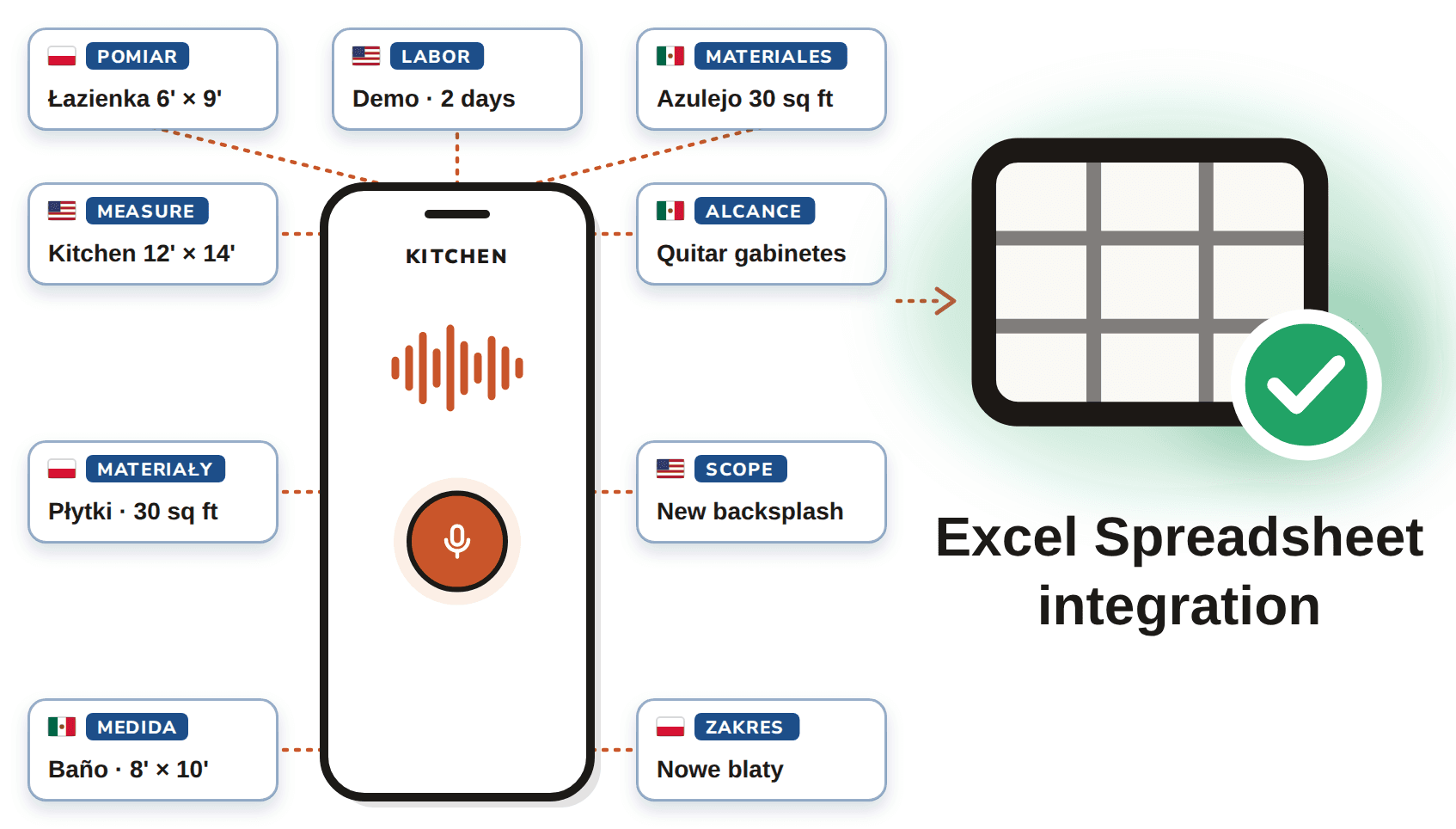
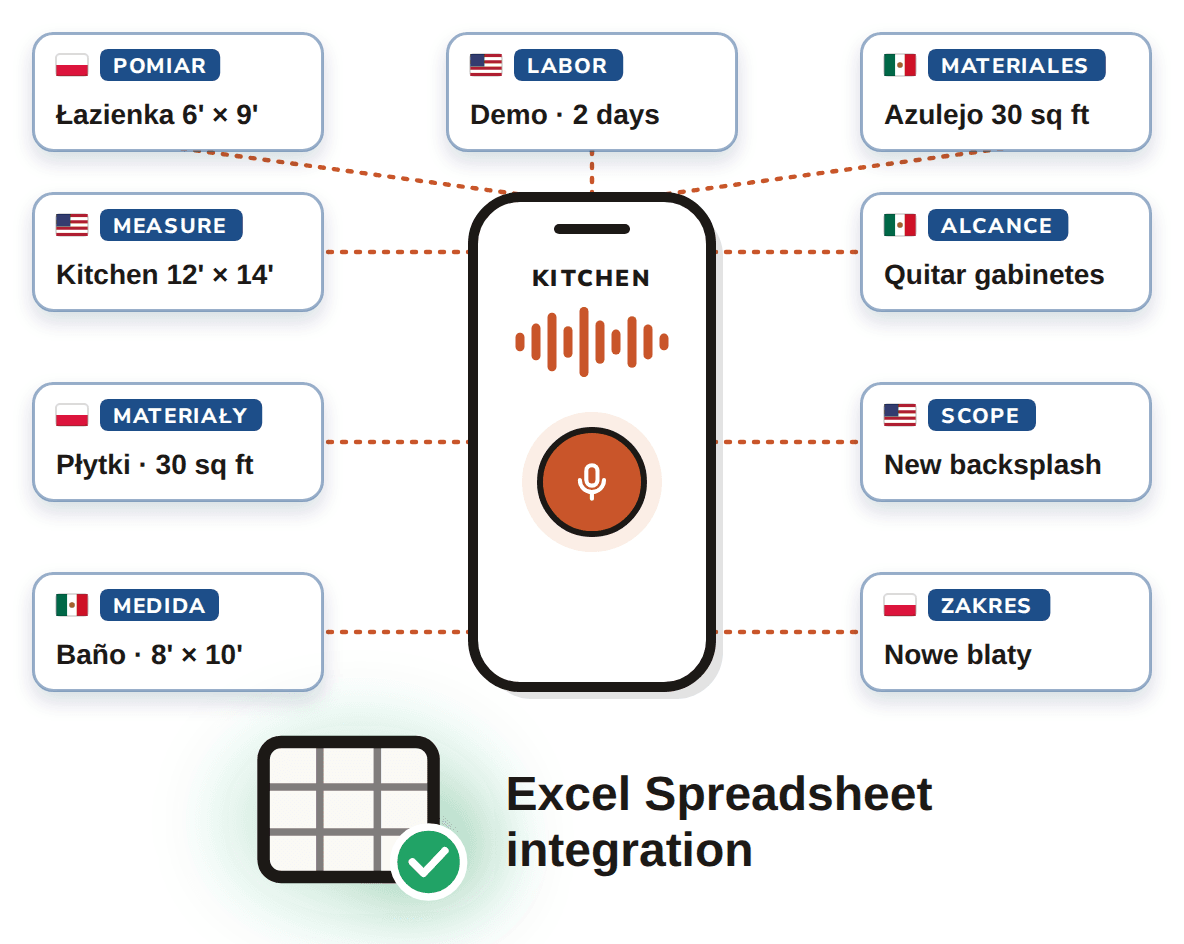
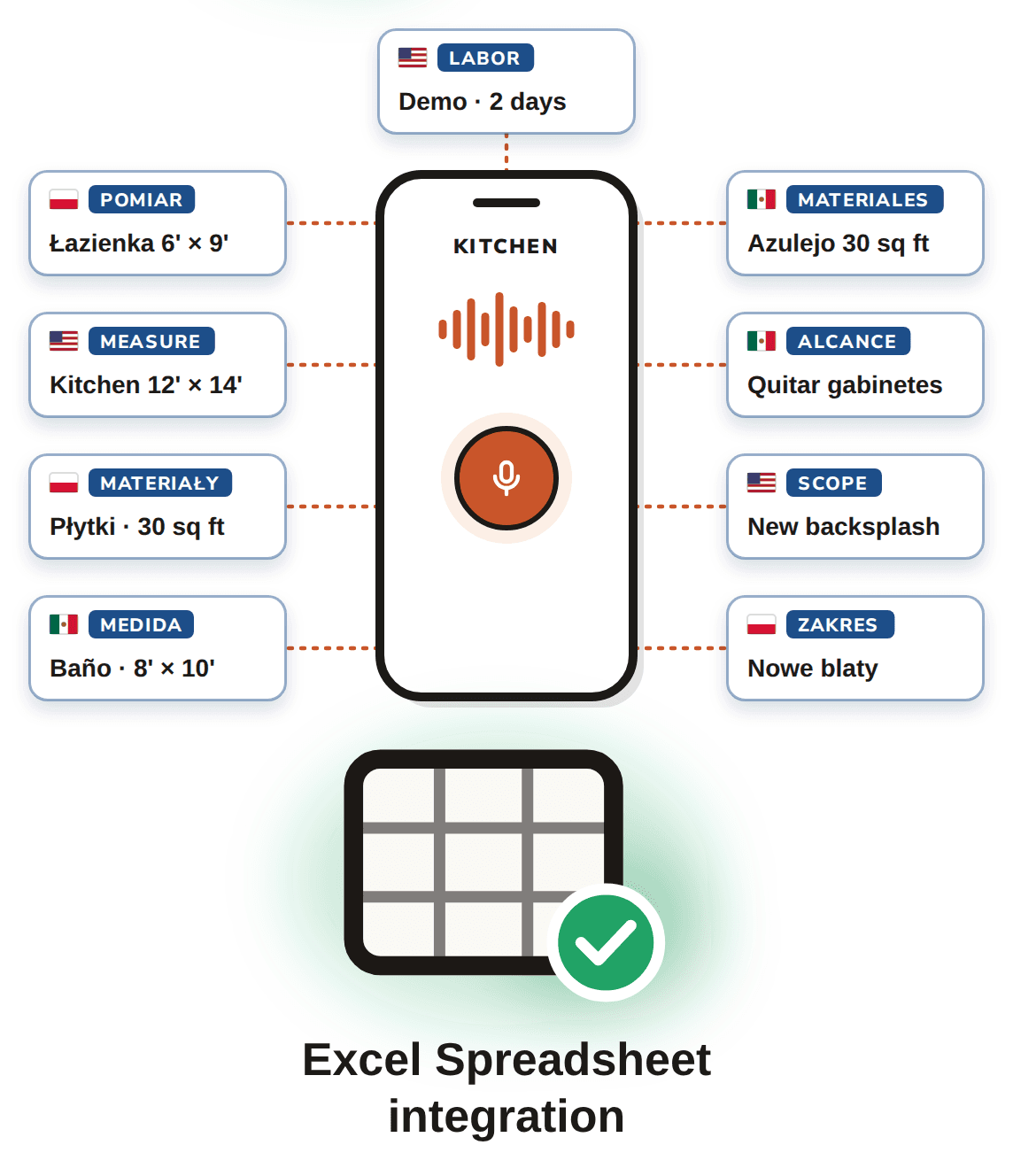
Walk the property, describe each room out loud using your phone's own keyboard dictation, and get back an organized, chronological scope of work — ready to price.