
Scope Flow.

Everything Scope Flow does

Every feature here came from an actual gap in running real remodel jobs, not a competitor's feature list.

Today

The screen you open first, every day.

Every open task with a date, every schedule date, every job's target finish, and every client follow-up, pulled from all your jobs at once and sorted into Running late, Due today, and The week ahead. Tasks with no date and jobs with nothing scheduled get their own section too — so nothing quietly falls off your radar just because it doesn't have a deadline yet.

Jobs

Lead through closed, with everything attached.

A six-stage strip — Lead, Estimate, Scheduled, In progress, Punch list, Closed — shows exactly where a job stands. Open one and its tasks, costs, payments, change orders, subs, and email trail are all right there, not scattered across separate tools.

Tasks

Tied to a job, or not — your call.

Filter by job or see everything across your whole business at once. Anything with a due date lands on Today automatically.

Clients & Subs

Two directories, one habit.

Save a client once and every job they're on shows up on their record. Save a sub once — with their trade and insurance expiration — and pull them onto any job in a couple of taps. Insurance dates flag themselves automatically as they approach expiration.

Costs — three pricing modes

Price it the way you actually quote, not the way software assumes you should.

By line item with a markup slider, one flat number for the whole job, or square footage times a rate you can drag to adjust. Whichever mode you pick becomes the real contract total everywhere else in the app — Payments, Change Orders, and Invoices all read from the same number.

Payments

Deposits, draws, and the final check — tracked against the real number.

Add each draw with its own due date, check it off when it lands, and see contract, received, and balance at a glance. Generate a real, printable invoice for any draw or the full balance, with your actual scope of work itemized on it.

Change orders

Scope changes, priced and signed off — not just remembered.

Log what changed, what it costs (positive or a credit), and check it off once the client's actually approved it. Only approved change orders move the contract total, so a proposed-but-undecided change never quietly inflates what a client owes.

AI-drafted client updates

Turns what's happening on a job into an email in the voice you'd actually use.

Direct, no filler, no invented facts — it only writes from what's actually on the job. Weekly status, a schedule change, something that needs the client's decision, a delay, or wrapping up: pick the type, add anything specific, and it drafts a short, factual email you edit before sending.

AI sub scope summaries

Trade-to-trade, not client-to-contractor.

A completely different voice from client updates — direct and plain, written for someone who wants the information, not the reassurance. Tag cost line items by trade and it pulls a sub's actual priced scope in automatically instead of you retyping it.

Voice scope walkthroughs

Say it once, while you're standing in the room.

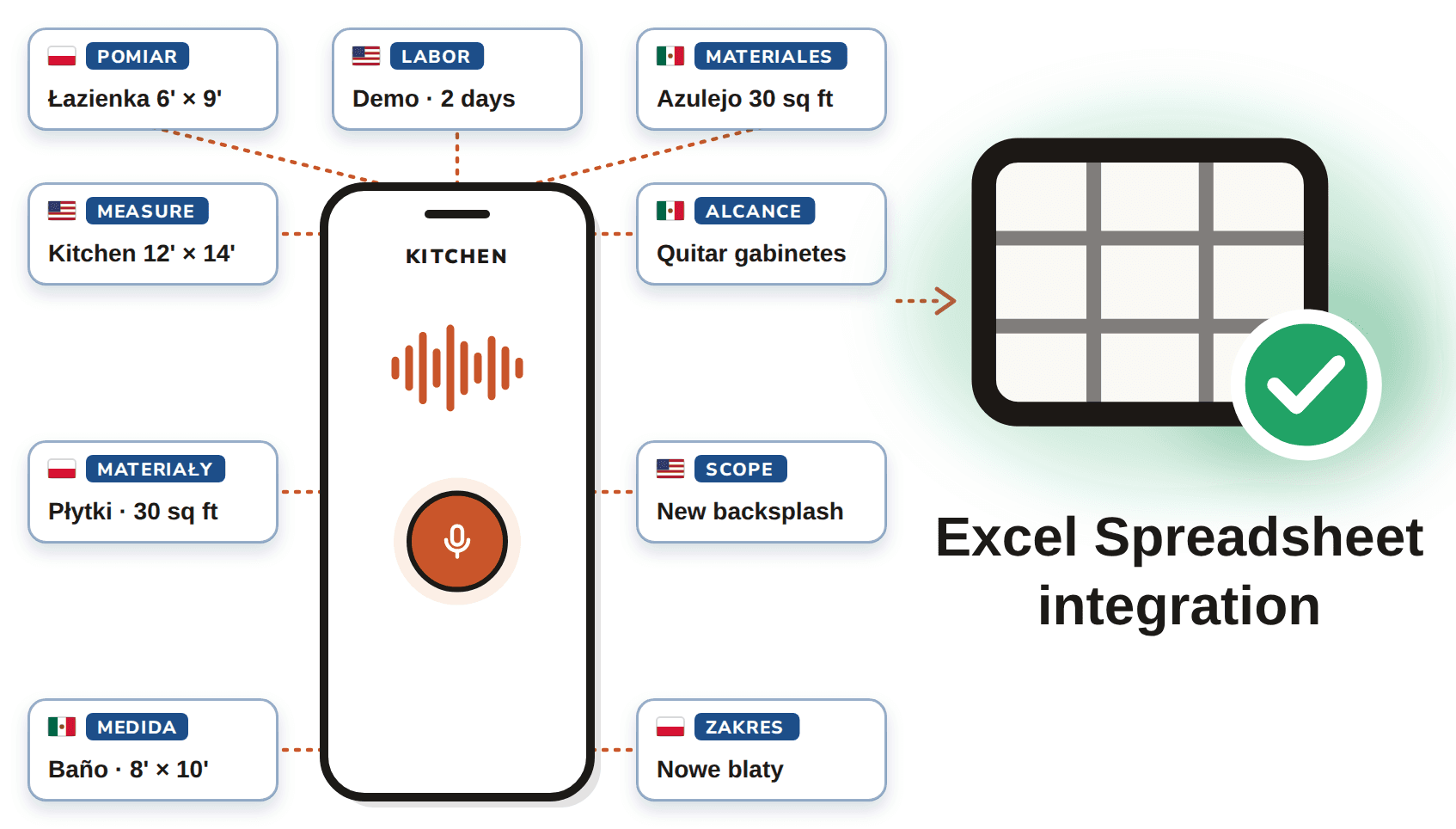
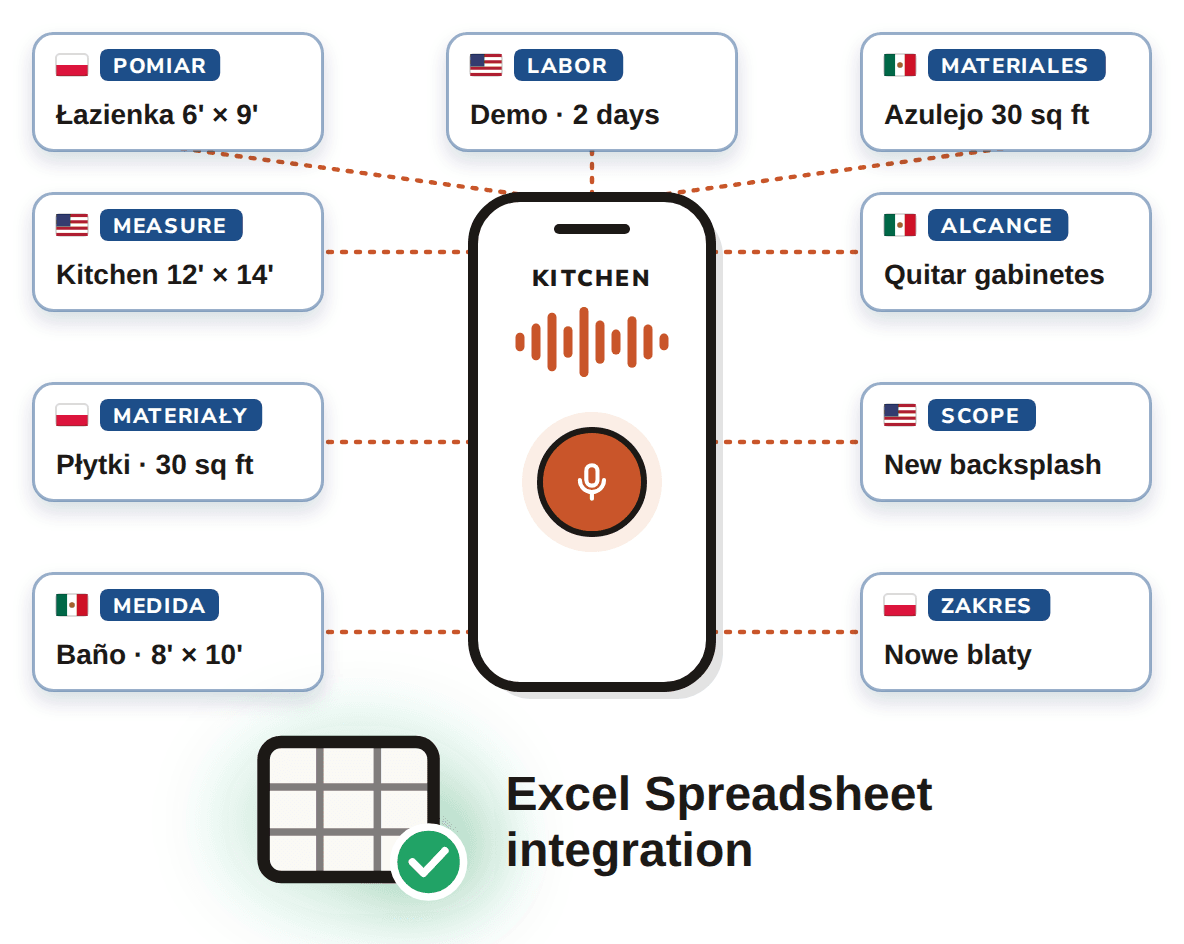
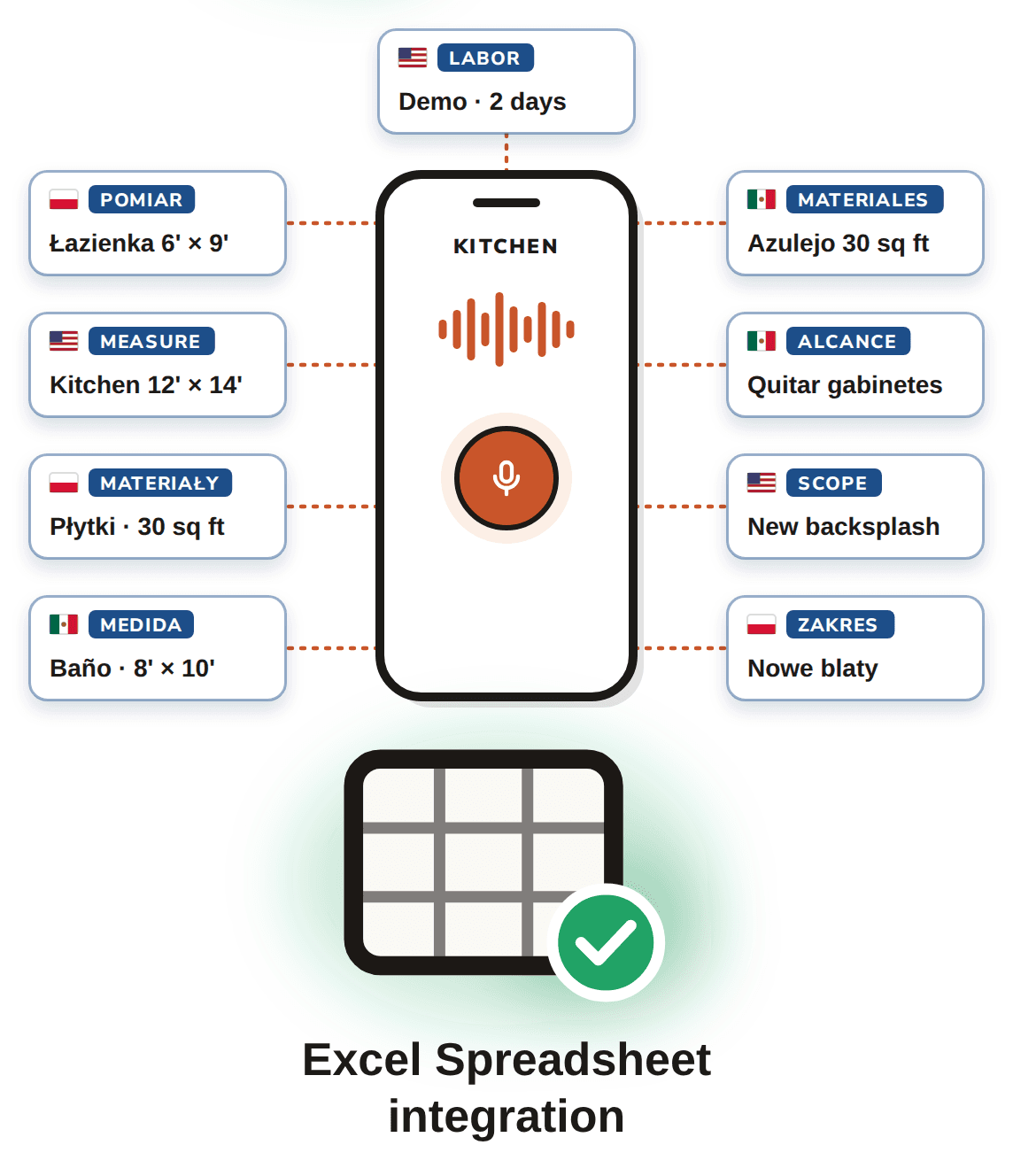
Walk a property and describe each area out loud using your phone's own keyboard dictation — no special app permissions, no separate recording step. Everything gets organized into a clean, chronological scope by area, with real quantities only when you actually said one, and anything ambiguous flagged for you to confirm rather than silently guessed at.

Start your 14-day trial